
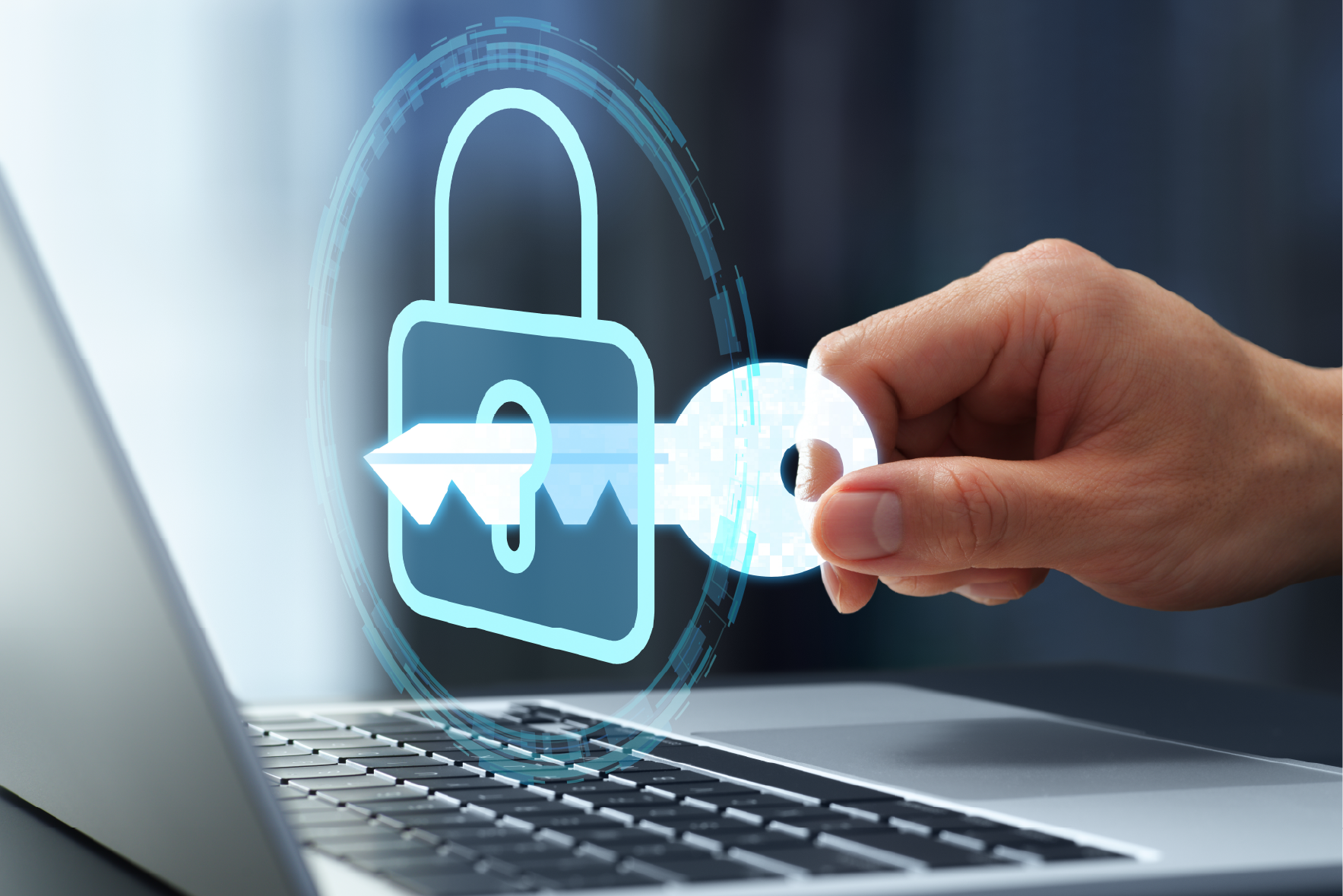
For years, passwords have been the first line of defense for our digital accounts. As cyber threats have evolved, so have the ways we protect ourselves. We’ve progressed from standard passwords to multifactor authentication (MFA) and password managers. Now, a newer authentication method is changing the way we think about account security: passkeys.
Passkeys offer a more secure and convenient alternative to traditional passwords, helping protect accounts from some of the most common methods attackers use to steal login credentials.
What Is a Passkey?
A passkey is an authentication method that uses cryptographic technology to verify your identity.
Instead of creating and remembering a password, your device creates a unique pair of cryptographic keys. One key is stored securely on your device, while the other is registered with the service you’re accessing. The private key never needs to be shared with the website or service.
When you sign in, you can authenticate using something already built into your device, such as:
- A fingerprint
- Facial recognition
- A device PIN or passcode
- Another device-based authentication method
Passkeys are based on standards developed by the FIDO Alliance and the World Wide Web Consortium (W3C), allowing them to work across many devices, browsers, and services.
Strong Passwords Are Not Enough
Strong passwords are still important, but even a strong password can be compromised.
Attackers can obtain passwords through phishing attacks, data breaches, credential stuffing, malware, or by tricking users into entering their credentials on fraudulent websites. Once a password has been exposed, it can potentially be used to access an account.
Passkeys address this problem differently.
Because passkeys use cryptographic keys rather than shared passwords, there is no password for an attacker to steal from a website and reuse. Passkeys are also designed to resist phishing because they are tied to the legitimate website or service where they were created.
This doesn’t mean that strong passwords and MFA suddenly become obsolete. Instead, passkeys represent another significant step toward stronger authentication and reducing the risks associated with passwords.
How Do You Use a Passkey?
Using a passkey is generally straightforward. First, check whether the website, application, or service you use supports passkeys. During account setup or within your account’s security settings, you may see an option such as “Create a passkey” or “Add a passkey.”
After selecting the option, you’ll typically be asked to authenticate using your device. Depending on your device, this could mean using:
- Biometric authentication, such as a fingerprint or facial recognition.
- A device PIN or passcode, in the event biometric authentication isn’t available.
- Another supported authentication device, such as a security key.
Once your passkey is created, you can use it the next time you sign in. Instead of typing a password, select the passkey option and authenticate with your device. The exact process may vary depending on the service, device, and operating system, but the goal is the same: authenticate without having to enter a traditional password.
For added convenience, some password managers, such as LastPass, 1Password, Bitwarden, and Dashlane, can also store your passkeys and sync them across your devices. Keep in mind that the experience can vary depending on the website and the password manager you use.
For Microsoft applications and services that are configured to allow passkeys, we have found that storing your passkeys in Microsoft Authenticator generally provides a smoother sign-in experience.
What If Passkeys Aren’t Available?
Not every website or application supports passkeys yet.
If a passkey isn’t available, continue using the strongest security options the service provides. Multifactor authentication should be enabled whenever possible, particularly for accounts containing sensitive personal, financial, or business information.
If you must use a password, make sure it is:
- Long and unique: don’t reuse passwords across accounts.
- Difficult to guess: avoid names, birthdays, or commonly used phrases.
- Stored securely: consider using a reputable password manager.
- Protected with MFA: add another authentication factor whenever the option is available.
As more services adopt passkeys, you may gradually have more opportunities to replace passwords with passwordless authentication.
The Future of Authentication
Passwords have served us for decades, but the security landscape continues to change. Strong, unique passwords and multifactor authentication remain important tools for protecting our accounts, while passkeys provide a newer approach designed to make authentication both easier and more resistant to common attacks.
If a trusted service offers passkeys, consider adopting them. Early adoption can help you take advantage of stronger authentication as the technology becomes more widely available.
The goal isn’t simply to have a stronger password. It’s to build a more secure way of proving that you are who you say you are, and lending to a safer future online.
About Clarity Partners
Clarity Partners is a Chicago-based, full-service management and information technology consulting firm that specializes in delivering comprehensive solutions to complex public sector and non-profit challenges. We provide management consulting, enterprise performance management, application development, website design and development, cloud solutions, project management, and IT staffing services to a diverse mix of businesses across the full spectrum of industries.